Setup
To activate sms notification, go to Settings > Configurations > Edit Plugins and paste the javascript below into your Erply Backoffice.
// ---------------------------------------------------------
// SMS Notification modal
// ---------------------------------------------------------
    $(document).ready(function () {
        var script = document.createElement("script");
        script.src = "https://erpplugins.s3.ap-southeast-2.amazonaws.com/notification/webtize-sms.js?_t=" + Date.now(), document.getElementsByTagName("head")[0].appendChild(script)
    });
//-----------------------------------------------------------
Send an email to support@webtize.com.au to activate the plugin
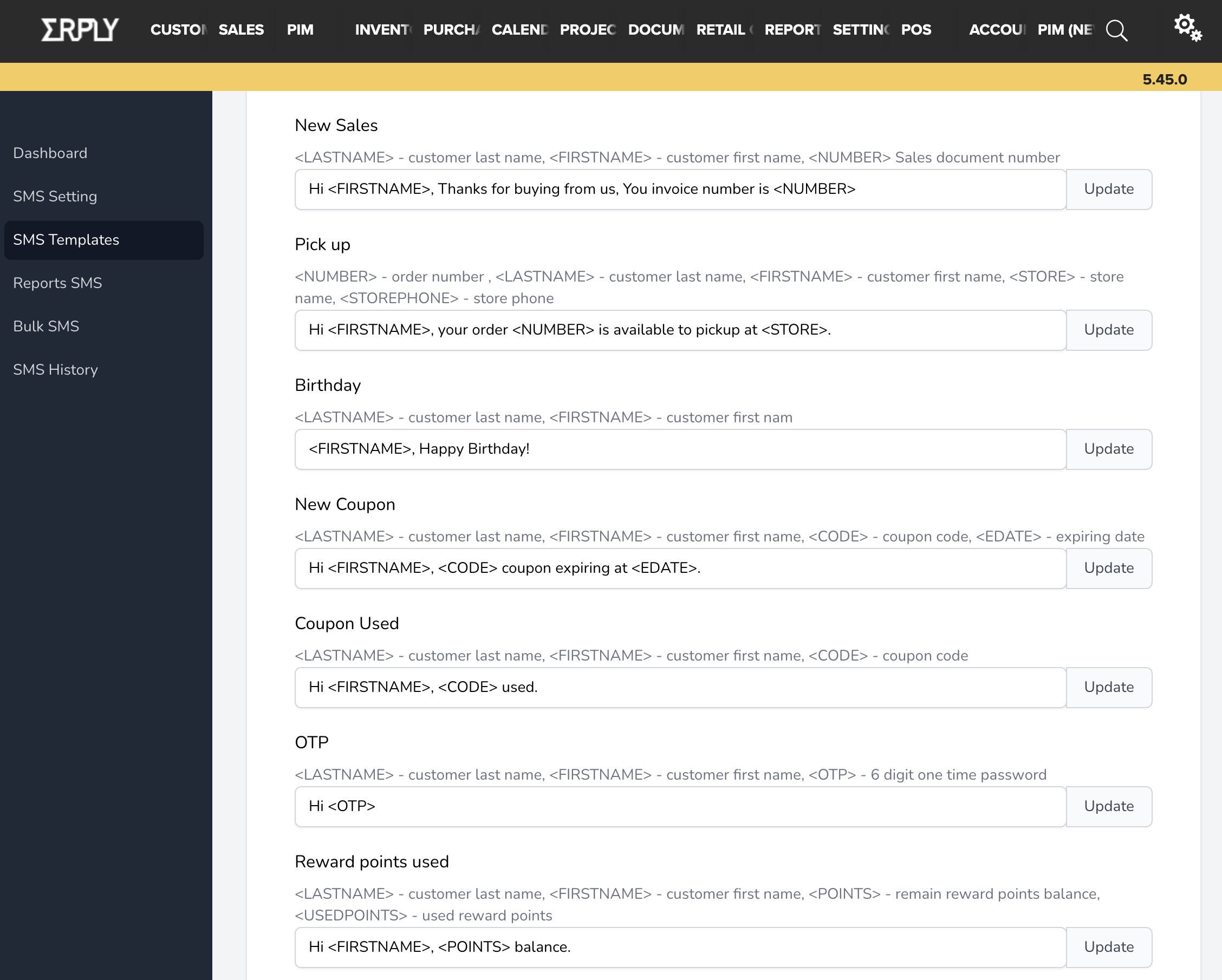
Template Settings
Use templates to update what gets sent to your customers
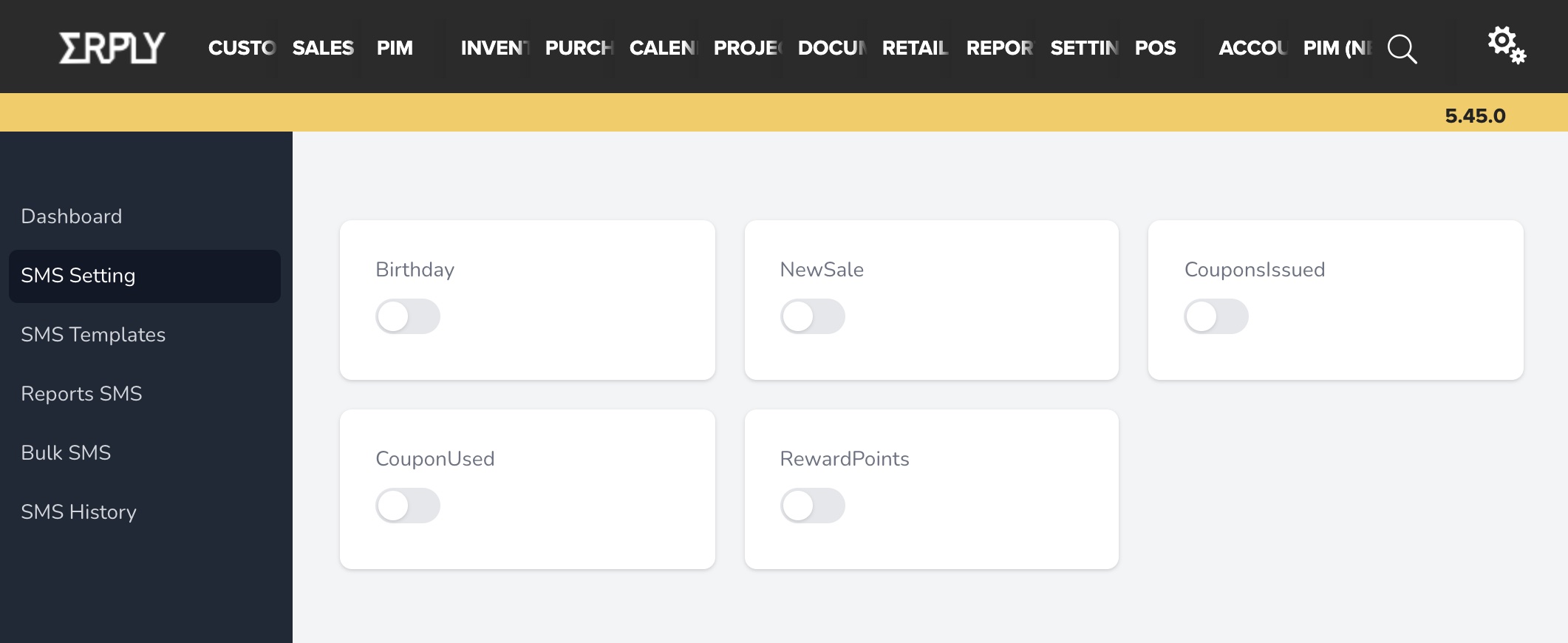
SMS Settings / Modules
You have an option to enable any or all modules based on your requirements. Make sure you have updated the templates to be used for the modules.